
Development
Reading a Solana program
Programs are deployed code that can be invoked through signed instructions. To understand one, begin with its public documentation, identify its accounts and permissions, and trace what an instruction claims to change.
Kijoli focuses on reading skills rather than promising what any particular application will do.
Questions worth writing down
- Who published the source and when was it last updated?
- What accounts are read, created, or modified?
- What warnings or assumptions does the interface provide?
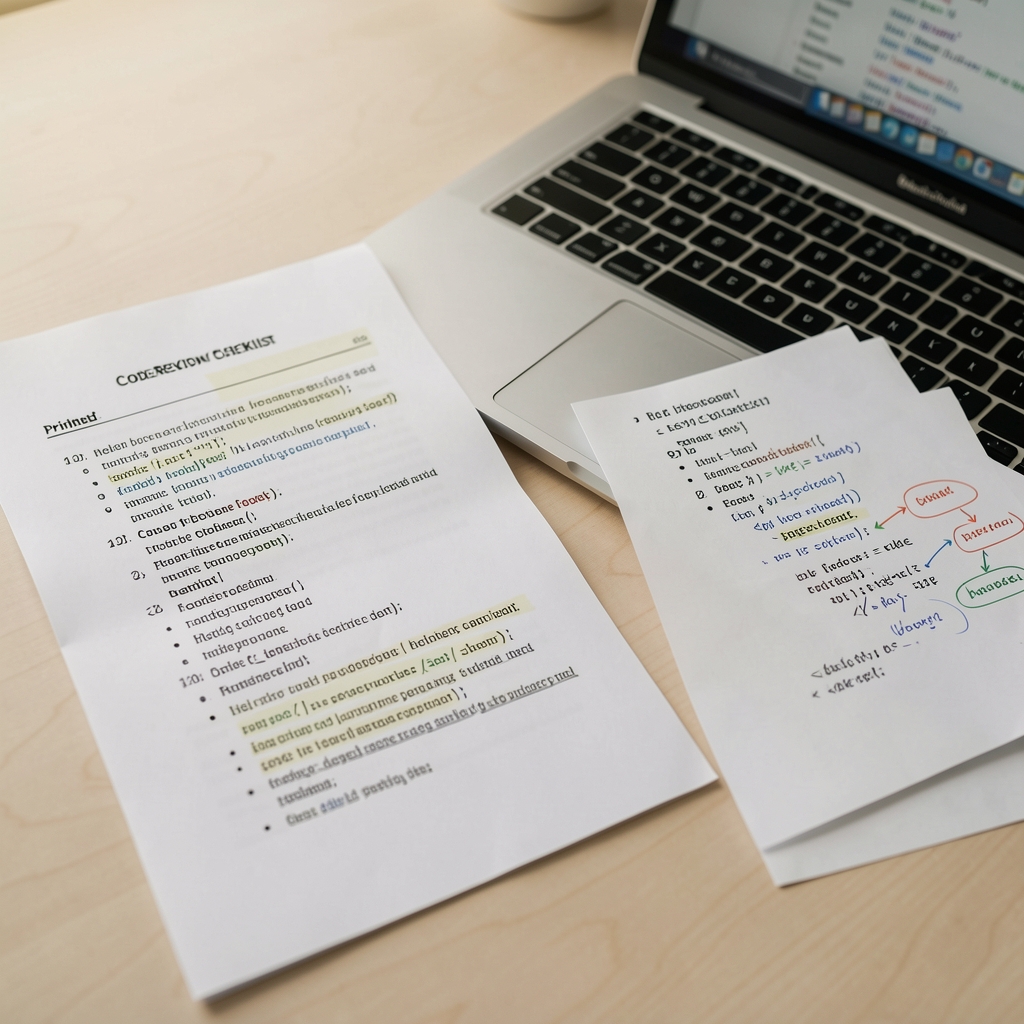
Good code reading begins before the first line: start with scope, source, and permissions.
What a program represents
On Solana, a program is commonly discussed as deployed logic that responds to instructions and accounts. The useful question is not only what the code appears to do, but what inputs it expects, what authority can modify its behaviour, and which public documentation explains its interface.
- Read the program description and linked repository.
- Identify instruction names and required accounts.
- Check authority, upgrade, and version information.
- Compare examples with the current reference.
Program descriptions can be incomplete or written for developers who already know the surrounding system. A careful reader distinguishes an interface example from a statement about every deployment. Kijoli presents these concepts for study and does not ask readers to interact with an unfamiliar program.
Program reading table
| Question | Why it matters | Where to look |
|---|---|---|
| What instruction is called? | It defines the requested action. | Reference and source code. |
| Which accounts are required? | They establish data and authority. | Interface documentation. |
| Can the program change? | Upgrade rules affect interpretation. | Deployment and authority notes. |
| What errors exist? | Failures reveal constraints. | Error reference and tests. |
A four-step reading process
01 · Start with nouns
List the accounts, instructions, authorities, and records named by the documentation.
02 · Trace one path
Follow a single instruction from client request to resulting public record.
03 · Read the failure path
Look for rejected inputs, permissions, limits, and version-dependent behaviour.
04 · Recheck the source
Confirm that examples and addresses belong to the intended environment.
Program literacy
“The interface is only the beginning; the surrounding authority and data model complete the explanation.”
- Do not share private credentials.
- Do not infer suitability from a code example.
- Keep source and version notes together.