User literacy
Wallets, keys, and careful habits
A wallet interface helps a person manage addresses and sign requests; it does not remove responsibility for checking what a request means. Different products store or access key material in different ways.
Use official documentation, protect recovery information, and treat unexpected requests as a reason to pause.
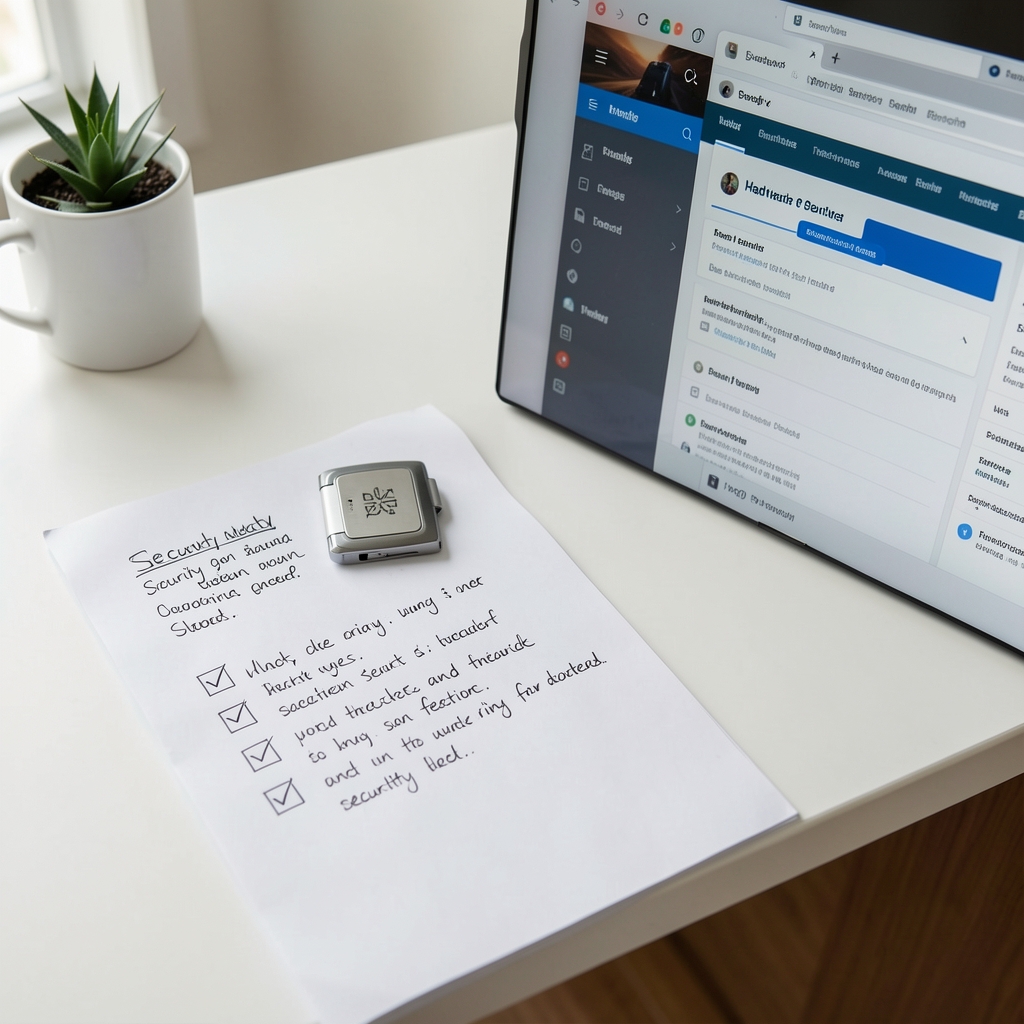
Before connecting an application
- Confirm the domain and source of the application.
- Read the requested permissions in plain language.
- Keep recovery information offline and private.
No interface can make an unfamiliar request safe by itself; verification remains part of the task.
What a wallet does
A wallet is generally a user interface and a method for managing signing authority. It may display accounts, prepare instructions, request approval, and help a person inspect a resulting record. The wallet is not the same thing as the network, an application, or a custodian, and its permissions should be read carefully.
- Confirm the network and destination before approving.
- Review the accounts and permissions requested.
- Keep recovery material offline and private.
- Use official support channels for product questions.
Kijoli does not request a recovery phrase, private key, password, or one-time code. A person who loses control of signing material may be unable to restore access through an editorial website. Wallet interfaces also change, so a current provider reference should be consulted before any real interaction.
Wallet comparison overview
| Wallet characteristic | Reader question | Practical check |
|---|---|---|
| Key management | Who controls signing material? | Read the custody and recovery explanation. |
| Connection request | Which accounts and permissions are requested? | Inspect the approval screen. |
| Network selection | Which environment is active? | Confirm the network label. |
| Support route | Where are genuine help channels listed? | Use the provider’s official domain. |
Wallet review checklist
- Pause before approving an unfamiliar request.
- Read the destination and permission language.
- Check the provider’s current documentation.
- Keep recovery material away from websites and messages.
- Record the transaction reference only after reviewing the result.
This checklist is informational, not a recommendation of a wallet or service. It is intended to help readers frame questions before interacting with any external product.
Control begins with understanding
“A wallet screen is a translation layer between a person and a technical instruction.”
Read the interface, then verify the source. For personal financial, legal, or tax questions, seek qualified advice.